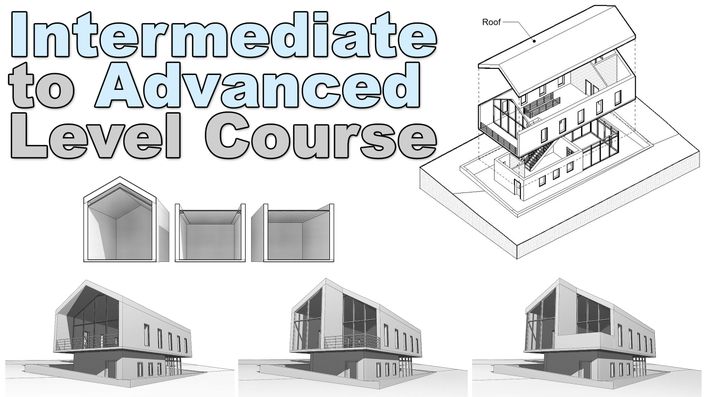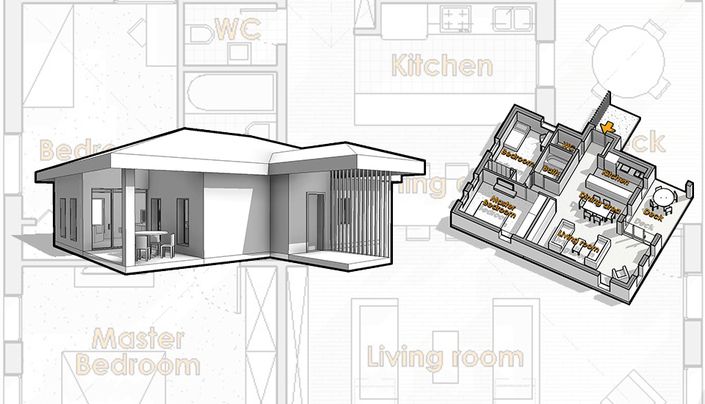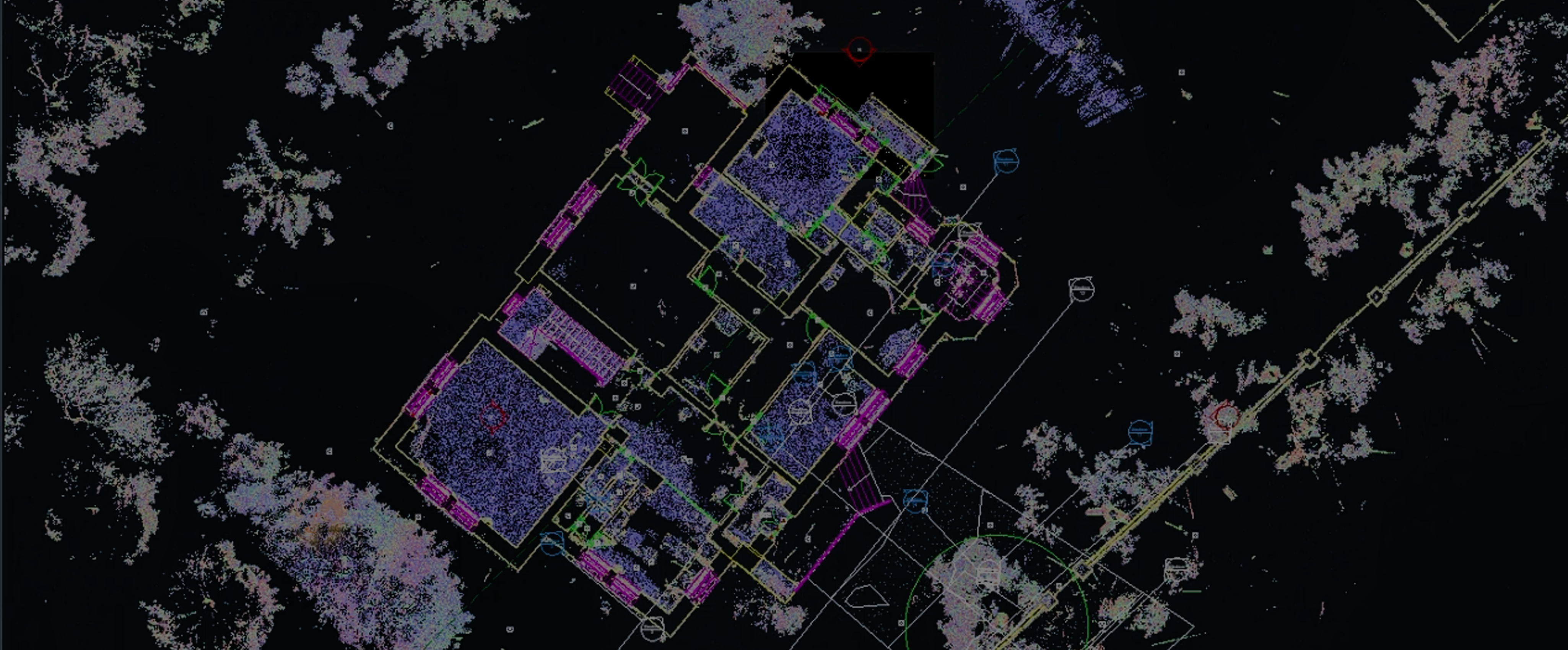
Here's what you will learn in this course (4 hours and 45 minutes of material):
Understanding Scan to BIM
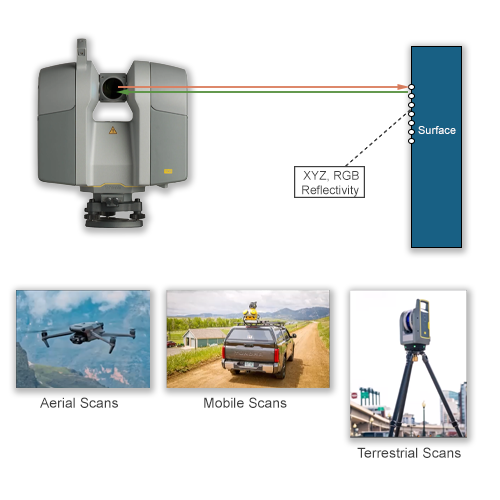
The course starts off with the instructor Vishal Singh Rana from Undet explaining the theory behind Scan2BIM process.
You will understand the fundamentals of the scanning process and point cloud structure and options.
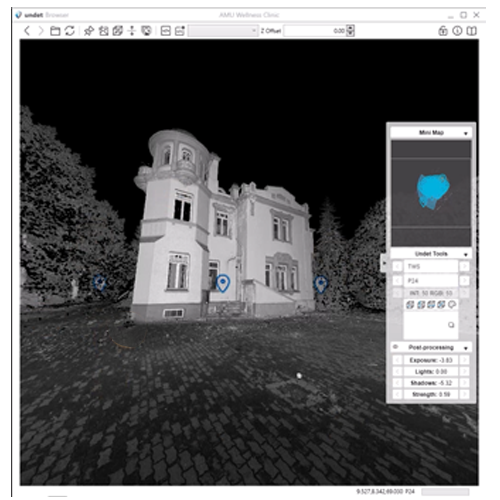
Data optimization
In the second and third chapters we will be understanding, analyzing, processing and optimizing the point cloud data in order to get the most our of the scans and prepare the best possible point cloud for our modeling process.
Point cloud will then be loaded into Revit and adjusted to fit our needs and allow us to start modeling.
Basic modeling from Point Clouds
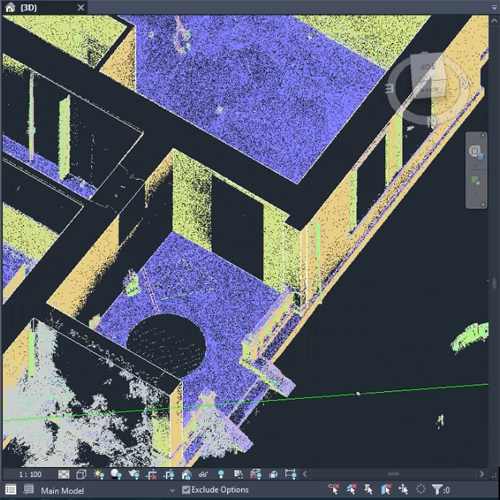
Walls
We will start the modeling process with walls. The process of creating new wall types, placing them, aligning them and joining them will be covered.
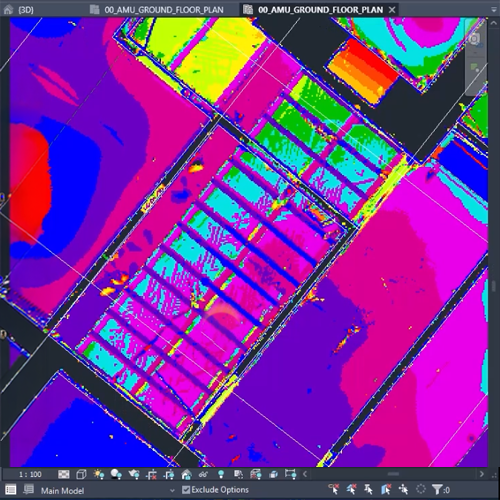
Floors & Ceilings
Floors and ceilings will also be modeled according to point cloud data and different views that we create to get the optimum understanding of these elements.
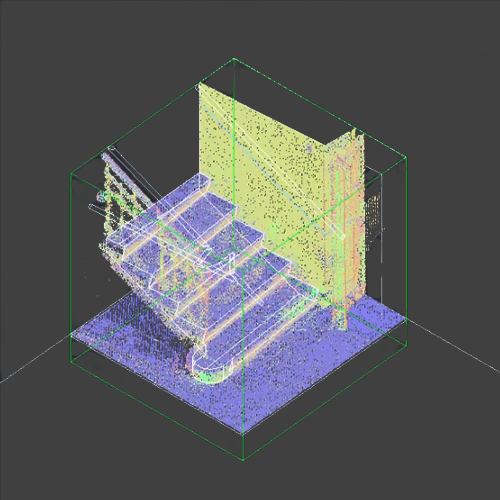
Stairs & Openings
These elements will also be modeled from scanned data. New types will be created and adjusted to best fit the existing building.
Advanced Modeling
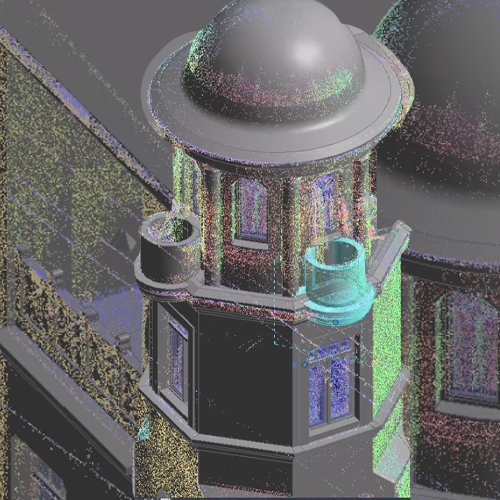
Once the basics are covered, we will move into more advanced approaches like modeling As-built families, In-place modeling as well as utilizing groups in order to optimize our modeling process.
MEP Modeling
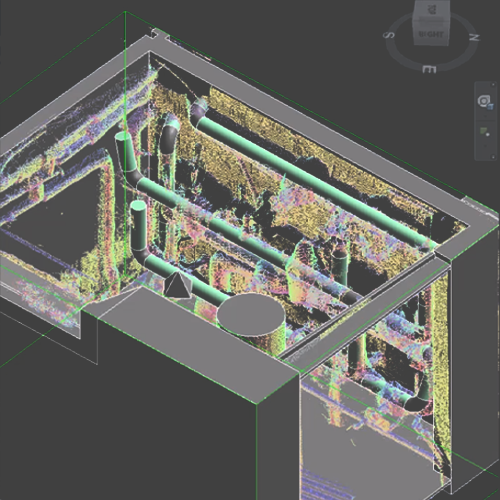
MEP will not be left out. The course includes a chapter where we will be adjusting the views for component MEP modeling. Different pipes will then be placed into the model according to scan data.
Topography Modeling
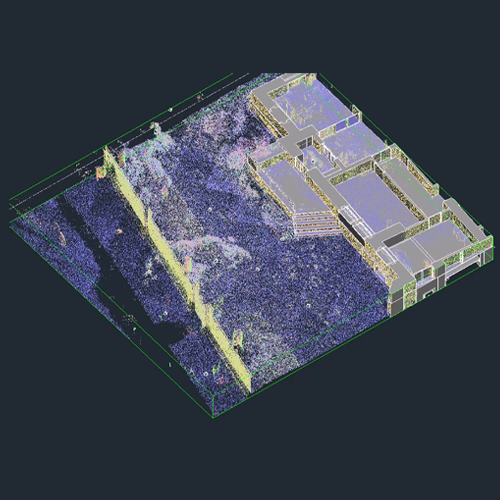
Point clouds are often used for generating terrain data. In this chapter, a toposolid in Revit will be created to match the site of the building that we are working on.
Software solutions

Revit
This will be the main software for brining everything together and for providing a BIM model that can then be used for faculty maintenance or renovation projects.
Undet
The main plug-in and software for optimizing the process of implementing point cloud data in Revit and avoiding all issues that are common with using point clouds in Revit.
Recap
This will be our software of choice for demonstrating the standard way of processing scan data and preparing a usable point cloud file for Revit.
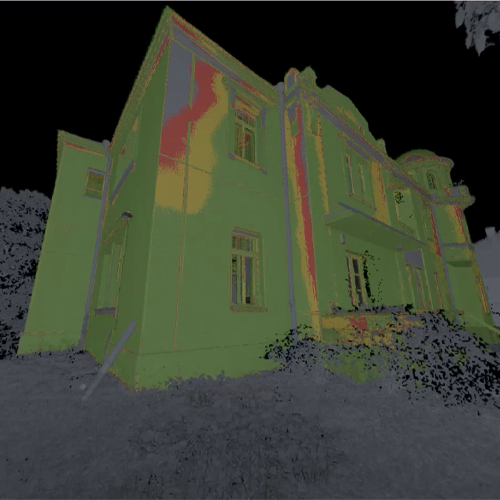
Quality check
The last chapter of the course will be dedicated to performing a quality check by using Undet tools for comparing out modeled BIM geometry to the point cloud data and giving us a model health check as well as display of precision achived.